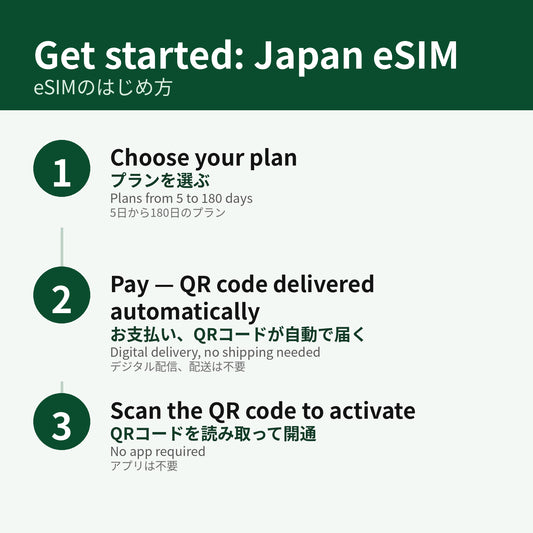
No. UROCOMM does not sell a single portable WiFi hotspot that covers Japan, Korea and Greater China on one plan. The Japan WiFi 6 Portable Travel Hotspot is Japan-only. The Southeast Asia & Greater China WiFi 6 hotspot covers the regions in its product name, not Japan or Korea. So this route means at least two products. Korea needs its own confirmed option.
What exactly does UROCOMM's Japan WiFi 6 hotspot cover?
Japan. That is the whole coverage note on the product listing: a Japan-only WiFi 6 hotspot with no SIM card needed. Land at Narita, Haneda or Kansai and this device is built for that leg. It will not help in Seoul, Shanghai, Hong Kong or Macau. UROCOMM lists no other country for it. Treat it as a single-country tool, not a regional router.
Does the Southeast Asia & Greater China hotspot include South Korea?
No. The listing names Southeast Asia and Greater China, and South Korea is not in that coverage line. Don't assume Korea works just because the device is sold as a regional hotspot. If Korea is a hard stop on your itinerary, confirm the exact country list on the product page before you buy, or email service@urocomm.com. For mainland China, Hong Kong and Macau this hotspot is the closer regional fit. It is not a Japan or Korea device.
Is the UROCOMM global hotspot a simpler workaround?
UROCOMM sells a Global portable WiFi hotspot with plans for 110+ countries and plan lengths from 30 days to 180 days. Convenient on paper. Don't assume, though, that Japan, Korea, mainland China, Hong Kong and Macau are all active on every global plan — the headline gives you 110+ countries, not the full country table. Before you buy, ask UROCOMM to confirm the exact country list for your travel dates. If it includes all three legs, it could be the one-device exception. If not, keep the Japan hotspot and a Greater China solution separate.
How do I cover Hong Kong and Macau on the same route?
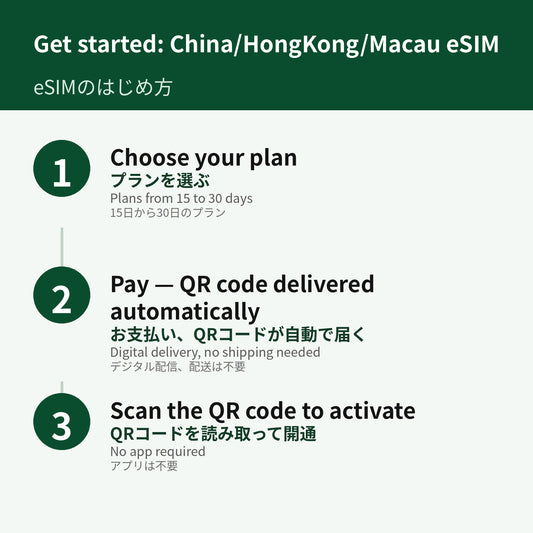
Use the China/Hong Kong/Macau eSIM if your phone is unlocked and eSIM-capable. One profile, three places. If you would rather share a WiFi device, take the Southeast Asia & Greater China hotspot for that leg. On the data side, Hong Kong and Macau WiFi plans run from 1 day to 90 days, mainland China plans from 1 day to 30 days. Pick the shortest plan that fits your calendar and top up if your dates shift.
When should I activate the China/Hong Kong/Macau eSIM?
Not before you fly. UROCOMM's working rule is to install the eSIM profile before travel, but start the plan only when you arrive at your destination. Activating early can start the validity countdown and may trigger roaming charges before you want the clock running. Install it on home WiFi, keep the line off, then switch it on after landing in Hong Kong, Macau or mainland China. Carrying a hotspot for Japan alongside it is no conflict. They are separate connections.
Will this work if my phone is locked or does not support eSIM?
The hotspot devices do not care about your phone. They broadcast WiFi, so a locked phone, tablet or laptop can connect as long as the hotspot itself has coverage. The eSIM route is different. The China/Hong Kong/Macau eSIM requires an unlocked, eSIM-capable phone. If your carrier has your phone locked, skip the eSIM and use the Southeast Asia & Greater China hotspot for that leg instead.
What does a Japan–Korea–China setup cost with UROCOMM?
UROCOMM does not publish a fixed total for this route. Prices move with plan length and currency. What you can compare is structure. The Japan hotspot is a device plus Japan data. The Southeast Asia & Greater China hotspot is a separate device plus regional data. Hong Kong and Macau WiFi data plans run 1 day to 90 days, mainland China plans 1 day to 30 days, and Asia travel WiFi plans 7 days to 30 days. A three-leg trip will usually cost more than a single-country rental, because you are paying for at least two data connections. Use the product pages for current rates, not a single package price.
What if I land in Seoul and the hotspot never connects?
Restart the hotspot and wait a few minutes. Then check whether Korea is on the product coverage list you bought. If it is not listed, the device will not connect, and resetting it will not change that. Before the trip, confirm Korea coverage with UROCOMM if you plan to use a regional device there. Inside a listed country and still getting no signal? Power the device off, move near a window or step outdoors, and try again. Still nothing? Email service@urocomm.com with your order number and the country you are in.
Need help?
Write to service@urocomm.com before you buy if any leg of your route is unclear. You can also check the current country list in the mobile WiFi devices collection.