Will One Travel eSIM Work in Multiple Countries?
Yes — one UROCOMM regional eSIM can carry you across a whole multi-country trip, provided you buy the right tier. A single-country plan stops the moment you cross a border. A regional plan keeps working across every country on its list with one profile and one purchase. A global plan goes wider again. The two things that trip people up are the coverage list itself and the moment the validity clock starts.
What's the difference between a single-country, regional, and global eSIM plan?
Three tiers, three jobs. A single-country plan covers exactly one destination — think the Vietnam eSIM or the Canada eSIM — and it's the leanest option if your trip never leaves that border. A regional plan gives you one profile that works across a fixed list of countries; the UROCOMM Europe eSIM, for example, is a single 5G/4G unlimited-data plan whose list runs from Austria, Belgium, Bulgaria, Croatia and Cyprus through Czech Republic and onward. A global plan covers the widest spread and usually carries the highest price. The trap: "regional" is defined by the list, not by geography. A country you assume is "obviously in Europe" may still be excluded. Read the list line by line, then compare with our country coverage guide.
Does one regional plan really cost less than buying separate country eSIMs?
For three or more countries, almost always yes — you're buying one plan instead of stacking two or three. The math flips for short trips. If you're spending two days in one city before flying home, a single-country plan is cheaper and simpler than a regional one you'll barely use. UROCOMM publishes current pricing on each product page rather than a fixed price list, so check the Europe eSIM plan page for the live figure before you commit. One more cost note: regional plans are data-first. If you need a local phone number for restaurant bookings or delivery apps, that's a separate conversation from data coverage.
Should I activate my multi-country eSIM before I fly or after I land?
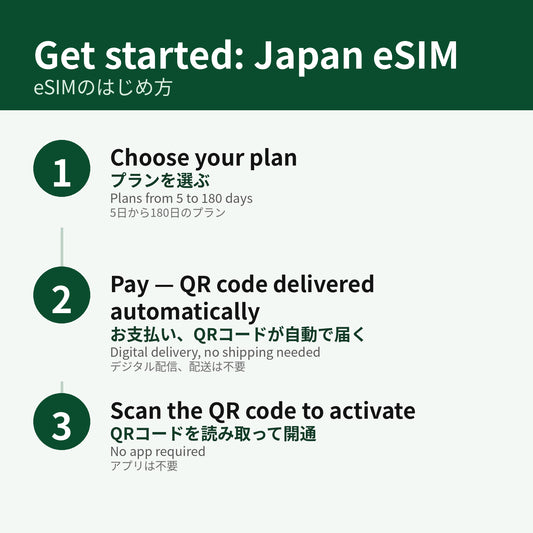
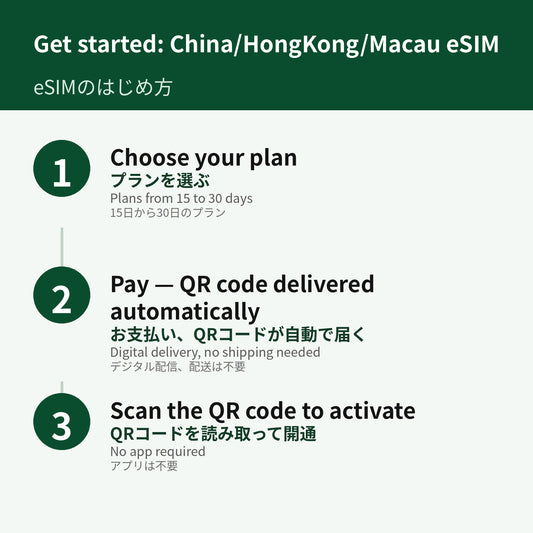
Install before you fly. Activate after you land. That's the UROCOMM rule, and it matters more on multi-country plans than anywhere else. Installing the profile at home on hotel WiFi takes a few quiet minutes and means you're not fumbling with QR codes in an arrivals hall. But do not switch the plan on before departure — activation starts the validity period, so a 10-day plan turned on in your home country can lose a day or two before you've even boarded. Worse, an active profile can latch onto a local network and trigger roaming charges. Land first, then turn it on. Our step-by-step setup guide walks through the order if you want it in sequence.
What happens to my eSIM when I cross a border mid-trip?
It should reconnect on its own. You'll feel your phone drop the old network, search for a few seconds, and pick up a local carrier in the new country. Keep data roaming switched on for the eSIM line — that toggle is what lets a travel profile use partner networks abroad, and it is not the same as your home carrier's roaming. If nothing happens within a minute or two, open network selection manually and pick from the list. Nuance worth knowing: some countries are split across multiple network partners, and a few territories inside a country's borders sit outside the plan's list. If you're heading somewhere unusual, confirm before you travel rather than at the border.
Will my phone handle the same eSIM in every country on the list?
Your eSIM hardware doesn't care about borders. If the phone supports eSIM, it supports the plan everywhere the plan is valid. Models from iPhone XR and iPhone XS onward handle eSIM, as do recent Pixel and Galaxy devices — and that's a per-phone capability, not a per-country one. Two real limits. A carrier-locked handset won't accept a travel profile at all. And some phones hold two active eSIMs while plenty hold only one, so if you plan to buy a second regional plan mid-trip, check your own device first. If your phone has no eSIM support, don't force it — the WiFi 6 portable travel hotspot covers 110 countries and shares one connection across your whole group.
No signal after a border crossing — what should I check first?
Work through this in order: confirm data roaming is on for the eSIM line, toggle airplane mode for 15 seconds to force a fresh network search, then check network selection manually. If you still see nothing, look at your plan's remaining days and data in your account — an expired plan looks identical to a dead signal on the screen. Restarting the phone clears most of the rest. Our no-signal troubleshooting walkthrough covers APN settings and the profile re-install case. If none of that lands, email service@urocomm.com with your order number, the country you're in, and a screenshot of the error. UROCOMM does not publish a fixed response-time window, so send it before you're stranded rather than after.
Need help?
One email is usually enough. Send your order number, the countries you're travelling through and what your screen is showing to service@urocomm.com. If you haven't bought yet and you're weighing a single-country plan against a multi-country one, browse the full eSIM collection and match the country list to your actual itinerary — not to the region name on the label.