Update: What Happens When Your Travel eSIM Runs Out of Data? Expiry and Top-Up Questions Answered (2026 Refresh)
The internet stops. That is the whole of it when a UROCOMM eSIM runs out of data. You won't be charged again automatically, and the eSIM profile stays on your phone. To get back online, add a top-up through the UROCOMM eSIM portal. This is the refreshed 2026 version of our earlier FAQ; the original explainer is still here.
What actually happens when my travel eSIM runs out of data?
Your connection stops. Web pages don't load. Maps freeze, and messages sit unsent. UROCOMM plans are prepaid, so the data block does not switch to a per-MB bill — your balance stays at 0 until you add a top-up. The eSIM profile remains installed, which means you do not need to re-download anything. You can top up the active plan, or buy a new one if you need longer coverage. And a “no service” message on a plan that still has data is a different problem from running out of data. Don't confuse the two.
Does my eSIM expire if I don't use all the data?
Yes. Each UROCOMM eSIM has a validity window, and once it ends the data is gone. Unused data does not roll over to a new top-up. UROCOMM does not publish one universal day count, because the length depends on the specific plan you select at checkout. Your product page and activation email show the start and end times. Install the profile early but start it at home, though, and that countdown begins before your trip. So install early, start the plan only after landing.
Can I top up my UROCOMM eSIM data plan?
You can. Top-up is the standard fix when you run out. UROCOMM’s Japanese support guide describes the process as a 7-tap flow from the eSIM portal, and you can follow the exact steps here: How to Top Up Your UROCOMM eSIM Data Plan. After payment, data usually returns on the same eSIM. If your original plan has already expired, you may need to buy a new plan instead of topping up the dead one. Top-up requires an active eSIM profile and a compatible plan for the same destination.
When should I activate my eSIM so I don't lose validity days?
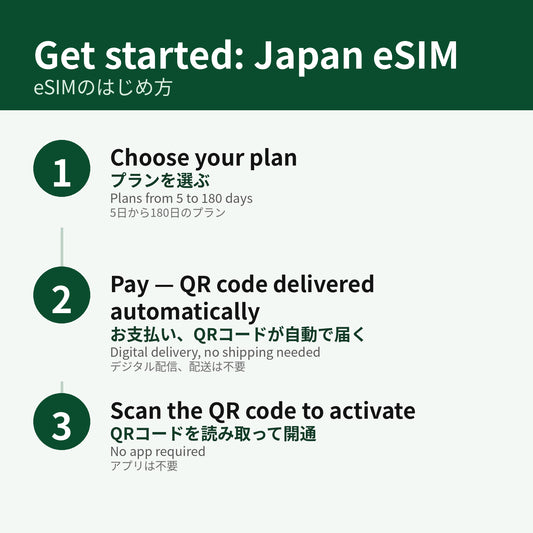
Install the eSIM profile before travel, but start the plan only when you arrive at your destination. Starting early can start the validity period, and under some carrier policies it may trigger roaming charges. A 14-day trip with an eSIM started two days before departure becomes a 12-day plan on arrival. UROCOMM does not publish a guaranteed activation time in minutes. For cost planning on a 14-day trip, see What Does a Travel eSIM Cost for a Two-Week Trip?.
I topped up but still have no internet. What should I do?
Start with the device. Toggle airplane mode on, wait 10 seconds, then off. Check that cellular data is set to the UROCOMM eSIM and not your home SIM. If you're outside the eSIM's coverage country, the data will not connect, and no amount of toggling will change that. UROCOMM’s troubleshooting article is How to Fix Travel eSIM No Internet or Connection Issues. Wrong APN? Update it from the activation email. UROCOMM support can also check whether the top-up landed on the correct eSIM profile.
Can I use an expired UROCOMM eSIM in another country?
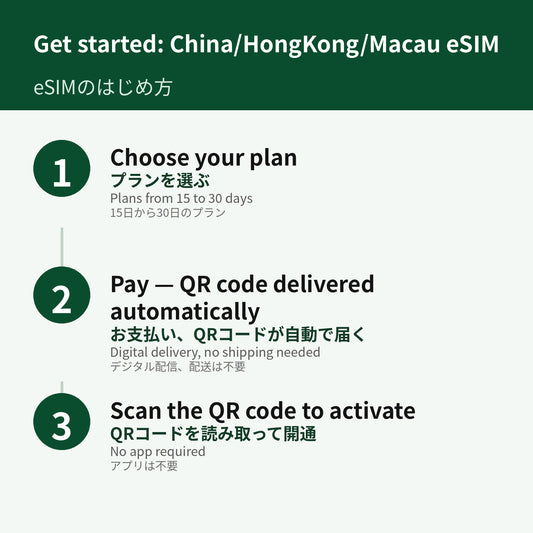
No. A country eSIM covers only the country or region it was bought for, and an expired plan is dead. Buy a Japan eSIM and it won't work in Canada, whether it has data left or not. You need a separate plan for each destination. UROCOMM does not issue multi-country data on a single country plan. Before your next stop, check the available country plans in the UROCOMM eSIM collection.
Need help?
If your top-up isn't showing, or you're not sure which plan covers your next stop, email UROCOMM support at service@urocomm.com. You can also browse current country eSIM plans.